AIudience Game Reviews · UI and Workflow
Edition Overview
Pro Only require the Pro license.
Single-review workflow at the home panel. Ideal for crafting individual pieces with full preview, SEO, media, and publishing controls.
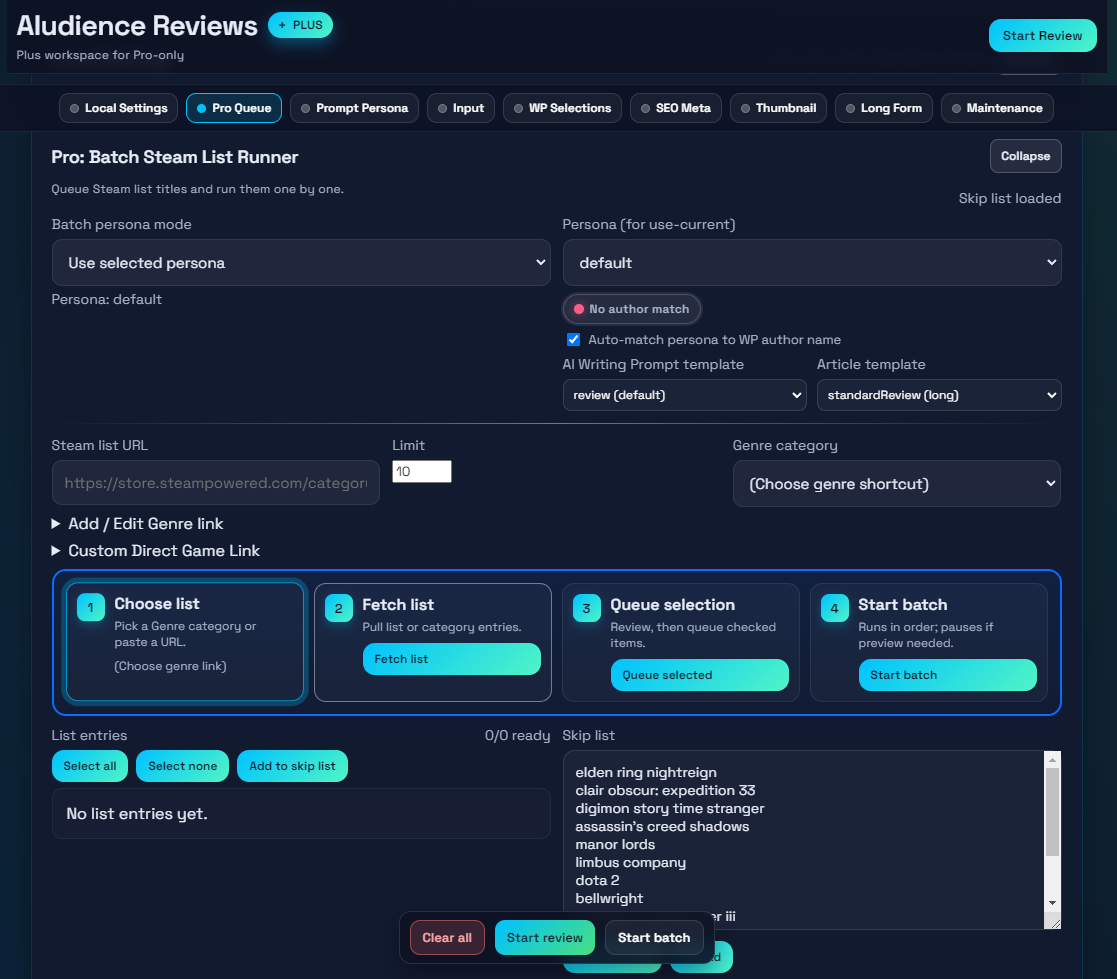
Access the bulk workspace to ingest Steam lists, queue titles, scan for WordPress duplicates, and manage batch personas/authors.
Panel-by-Panel Usage
Provide your WordPress connection, AI API key, and output folder. Each field must validate before generation starts, and healthy settings collapse this panel automatically.
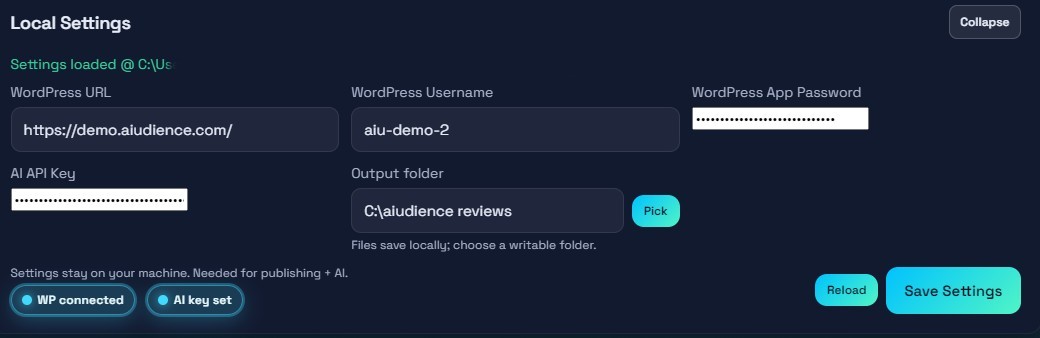 Configure WordPress, AI key, and output folder once; validation keeps the panel tidy.
Select a persona, preview its tone, and optionally edit or save variants. Non-default personas can be deleted once you finish refining them.
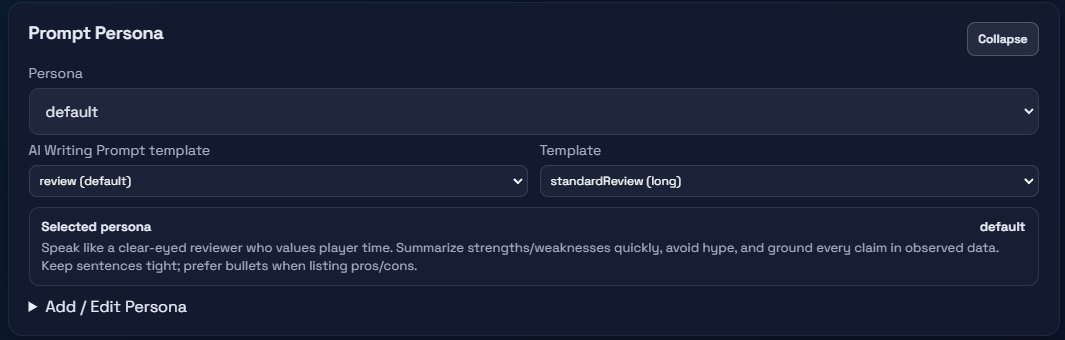 Prompt persona selector with preview and edit options.
Paste a Steam URL or type a game name. Toggle automatic SEO title drafting or handle it manually.
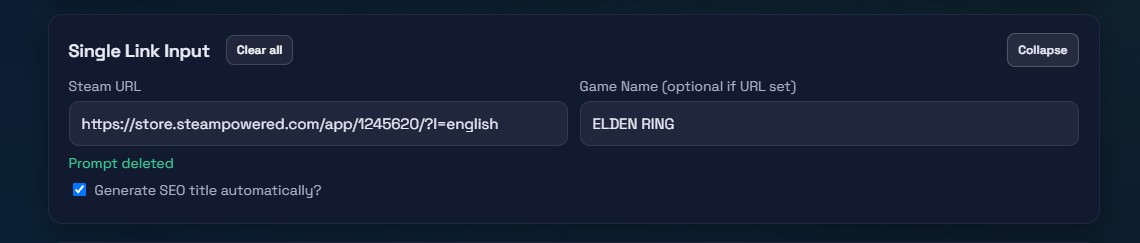 Input the Steam link or game title to start a review.
Choose author, categories, tags (prefilled from the scrape plus any extras), publish mode, featured image, and decide whether to skip the preview step.
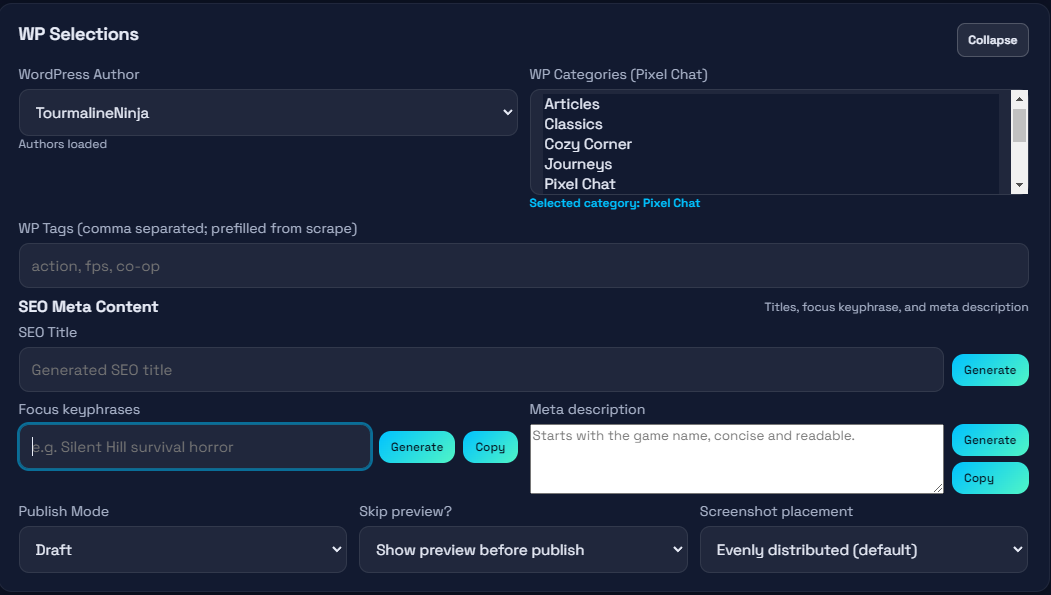 Pick author, categories, tags, featured media, and publishing mode.
Generate Title, Focus Keyphrase, and Meta Description with inline loaders. Each field can auto-generate when enabled or be adjusted manually.
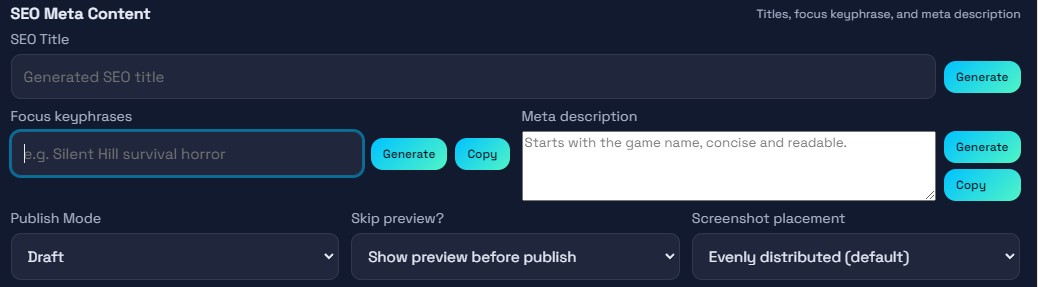 Generate or edit meta title, keyphrase, and description inline.
Pick a theme, add headline/subheadline, set the score, choose overlays and backgrounds, then regenerate until the preview matches your brand.
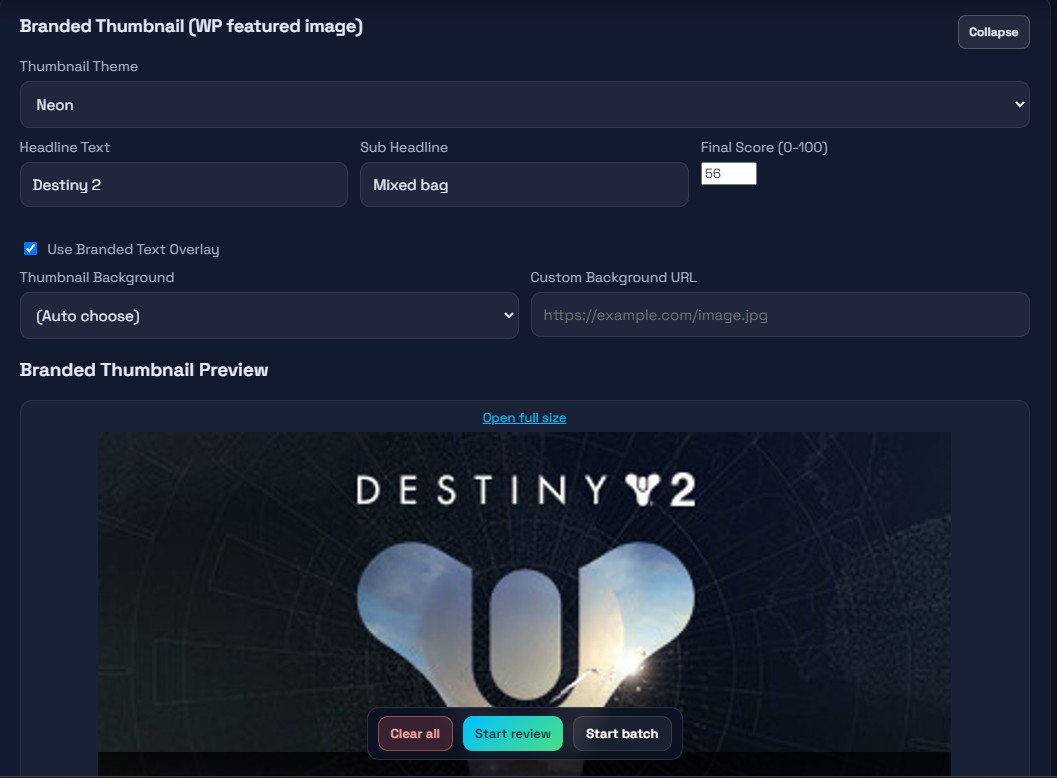 Preview theme, overlay, and score before exporting the branded artwork.
Write in Markdown with screenshot placement controls and tools to organize headings, tables, and assets.
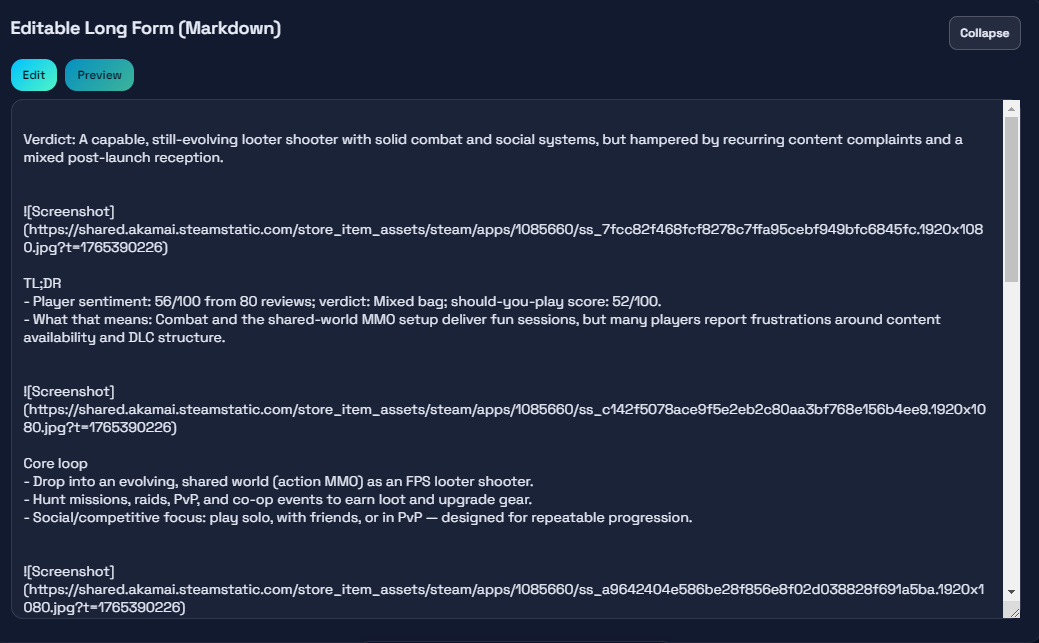 Edit drafts and guide the markdown structure before previewing.
Switch to Preview to inspect the formatted text and see how screenshots integrate with headings.
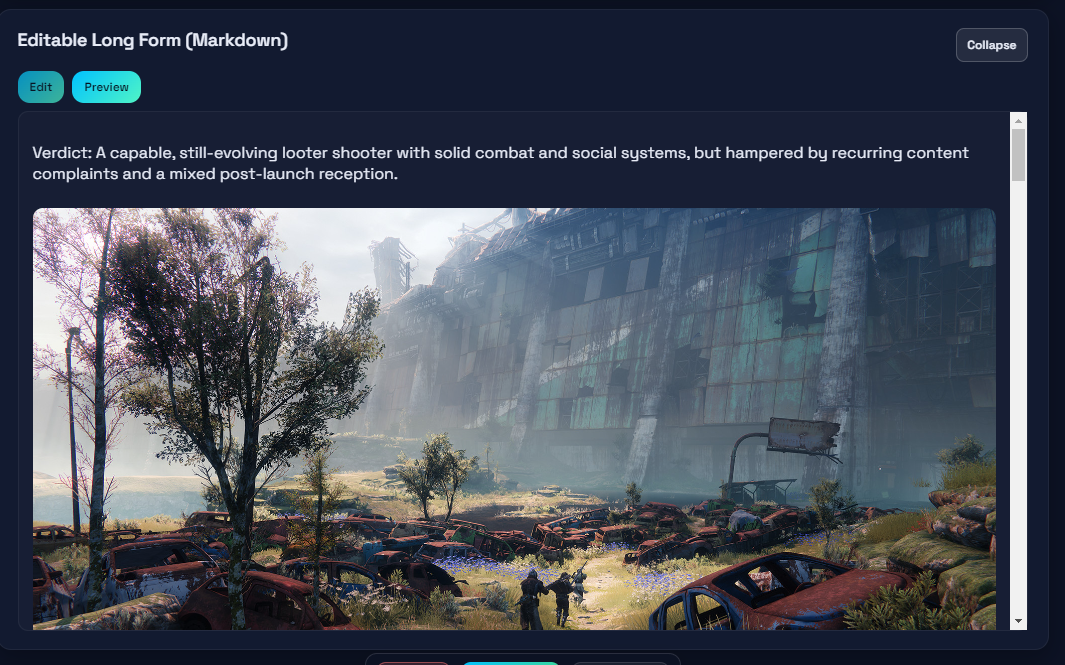 Use this tab to confirm layout, screenshot placement, and final content tone.
Core Run Flow
- Confirm Local Settings show healthy validation.
- Pick or customize a Prompt Persona and ensure the preview reflects your voice.
- Provide the game input (Steam URL or title) and decide on the optional auto SEO title.
- Complete WordPress selections, metadata, and branding details.
- Craft the long-form draft, letting the screenshot placement logic shape the structure.
- Use the Publish button—if preview is off, publishing fires automatically; otherwise, confirm when “Publish pending” appears.
- Reset the review to clear the current slate and prepare for the next game.

Pro Only Bulk Workflow Highlights
- List Ingest: Feed Steam store, list, or category URLs and set a cap to build a batch. You can also paste custom Steam links directly.
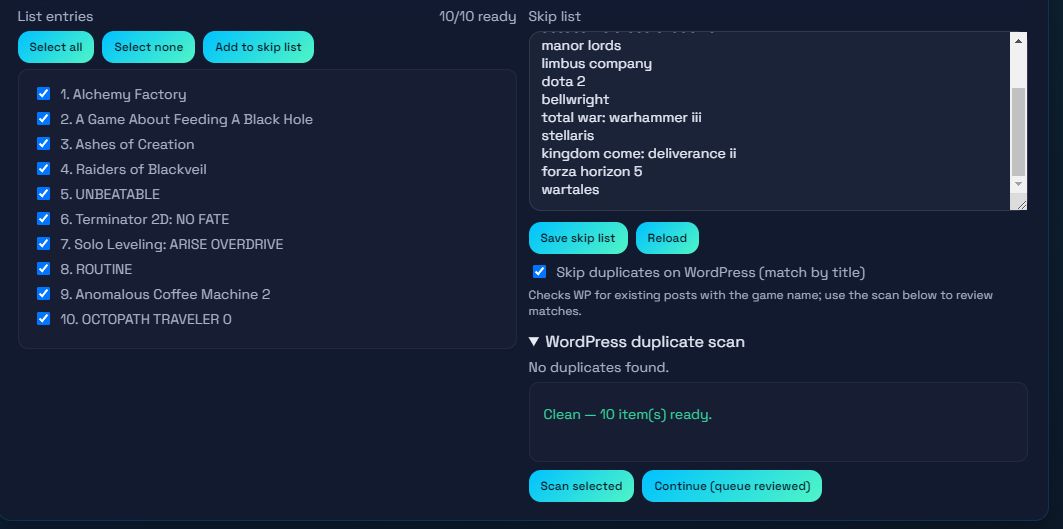
- Skip List: Maintain a list of names or IDs to exclude; reload or save the list as your queue evolves.
- Batch Personas & Authors: Choose whether to reuse one persona, randomize once, or randomize per item. Enable persona-to-author matching to automatically map personas to WordPress authors when names align.
- Duplicate Scan: Activate “Skip duplicates on WordPress,” run the scan, and decide for each match whether to queue or skip. The batch waits for all duplicates to be reviewed before continuing.
- Queue & Logs: Track pending/completed reviews, cancel pending entries, and watch badges for pending/done/skipped/error/duplicate states. Logs surface persona, author, and queue statuses.
Maintenance & Reliability
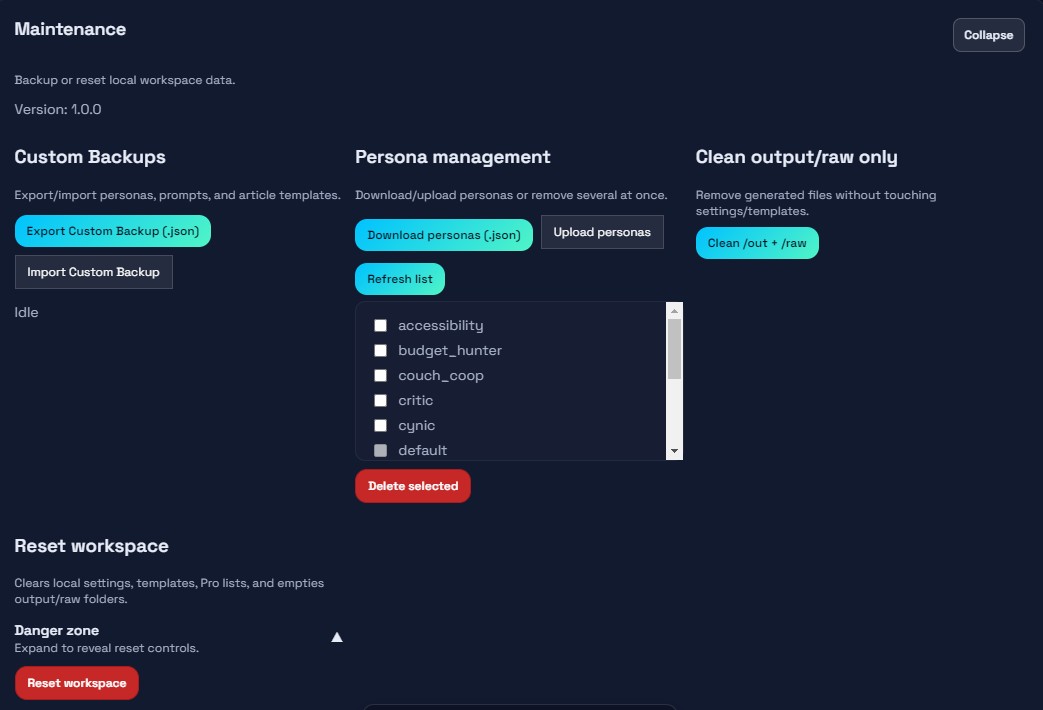
- Export or import a custom backup containing personas, prompts, and templates.
- Reset the workspace to wipe settings, templates, pro lists, output, and raw folders.
- Clean just the output and raw directories when you do not need a full reset.
- Confirm the version number in the maintenance panel to ensure you match the expected build.